
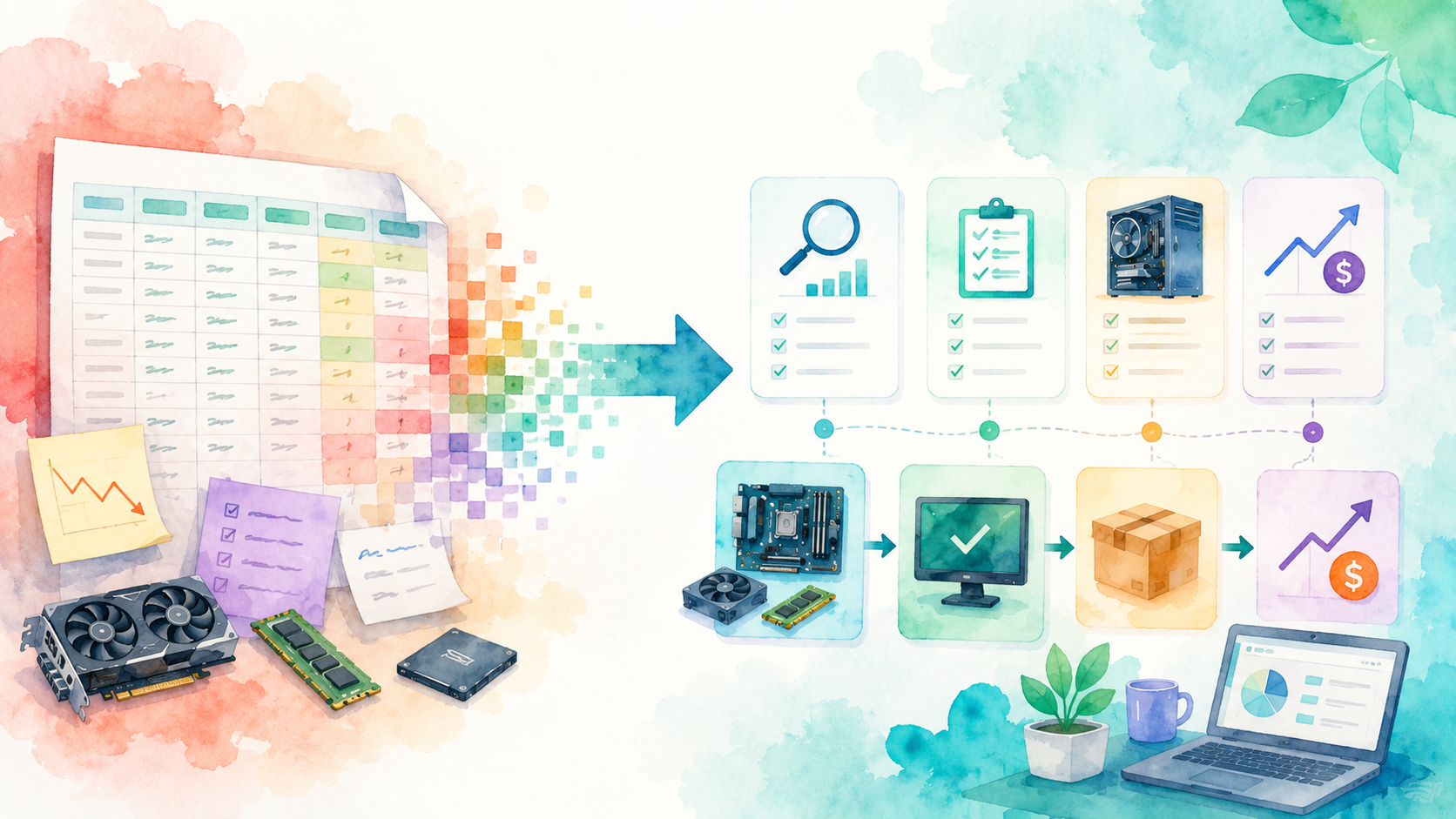
Let’s be honest: the PC flipping spreadsheet is the gateway drug.
You start with one sheet, one tab, maybe a neat little column for purchase price, a column for sale price, and a smug feeling that you are now “tracking the business properly”. For one flip? Lovely. For two? Still manageable. For five active builds, a pile of donor parts, three listings in draft, and that one GPU you swear you already costed? Absolute carnage wearing office clothes.
And that is the whole problem. A spreadsheet looks organised long after the workflow underneath has stopped being organised.
Why the spreadsheet starts losing the fight
This is where people get caught out. They think the problem is math. It is not. Spreadsheets are brilliant at math. The problem is state.
PC flipping is full of changing state:
- a loose CPU becomes part of a planned build
- a motherboard gets tested and turns from risky to listable
- a donor system gets broken down and its value spreads across multiple parts
- a “cheap flip” quietly picks up more spend through cables, storage, fans, paste, and wasted time
- one listing idea gets repriced because the market moved this week
That is awkward in a spreadsheet because a row is not a workflow. It is just a row.
So what happens? You duplicate information. You add tabs. You colour cells. You write notes to yourself like “moved to build tab” or “sold with other GPU maybe”. And at that exact moment, your neat tracking sheet has turned into a scavenger hunt.
What spreadsheets are actually bad at in PC flipping
On paper, a spreadsheet sounds flexible. In practice, it falls over in the places that matter most to a flipper.
1. Loose parts and full builds stop talking to each other
This is the big one.
If you buy and sell complete PCs only, a basic sheet can limp along. But the moment you start flipping properly, you stop thinking in single boxes. You buy donor systems. You strip a better cooler from one machine. You carry forward RAM from another build. You keep a known-good SSD for testing. You hold one GPU back because the market is flat this week.
Now ask the spreadsheet a simple question: what exactly is still in stock, what has moved into an active rig, and what has already been economically committed somewhere else?
That is usually where the silence starts.
2. Your profit figure gets fake fast
This is the second killer. Spreadsheet profit looks clean because it only counts what you remembered to type.
Real flipping profit is messier:
- the cheap case needed extra fan splitters
- the “free” donor PSU turned out unusable
- the listing needed a boot SSD to stop looking unfinished
- you dropped in a better cooler to make the photos stronger
- one build ate far more time than it deserved
Spreadsheets let these little costs leak away because they do not naturally force the flipping workflow to carry them forward. That is how you end up with a build that looks like a £90 win on the sheet and feels like a £35 headache in real life.
3. Test status becomes vague
This is one of those boring problems that costs real money.
Buyers do not just buy parts. They buy confidence. If you cannot quickly see whether a board posted, whether a GPU was stress-tested, or whether a machine still needs final photos and cleanup, your whole operation slows down.
Spreadsheets can store that information, sure. But they do not make it operational. A test note hidden in a cell comment is not a workflow. It is a future mistake with tiny font.
What FliprForge does better
This is the part that matters. FliprForge is not “a spreadsheet but shinier”. If that was the pitch, it would not be worth your time.
The reason the app is better is that it is built around flipping events, not static rows.
Stockpile keeps parts as parts
Instead of pretending every item is just another line in a giant sheet, FliprForge keeps inventory in a stockpile that behaves like inventory.
You can track the components you actually own, what they cost, and what is still available. That sounds obvious until you have tried to work out whether the decent 650W PSU is still loose, already inside a rig, or mentally “reserved” for a build you never finished. In a spreadsheet, that is detective work. In an app, it should just be state.
Rigs let builds exist as builds
This is the spreadsheet-breaking moment.
A build in FliprForge is not a pile of copied cells. It is a real assembly surface where parts can be assigned into a rig, gaps become obvious, and total spend starts behaving like a build total rather than a bunch of scattered purchases you need to manually add up every time.
That matters because flips are not won by logging parts. They are won by turning the right parts into a saleable machine without losing track of cost, effort, or missing pieces.
Market prep stays connected to the build
The workflow does not stop once a rig posts. Now you need listing prep, pricing discipline, and a believable resale story.
FliprForge helps because listing logic sits close to the inventory and build context instead of living in some unrelated tab called Final Sales Maybe or whatever spreadsheet madness we have all created at some point.
That means less retyping, less drift, and fewer moments where the listing says one thing but the build notes say another.
Margin is attached to reality
This is the actual win. Not the graphs. Not the neatness. Reality.
When costs, parts, rigs, and listing state all stay connected, your profit number gets harder to lie to yourself with. That is incredibly valuable in flipping, because the easiest person to fool is the flipper who wants the build to have been worth it.
Back in the real world
Here is the practical difference.
With a spreadsheet, you are constantly maintaining the system.
With a flipping app, the system helps maintain the flip.
That shows up in real places:
- used-part tracking: you can see what is still actually available to build with
- build planning: missing parts show up before the listing stage
- buyer confidence: tested, complete, coherent builds are easier to present
- profit control: hidden extras are less likely to vanish into a notes column
- resale timing: you can move faster when the market for a part or full rig looks right
And speed matters more than people admit. A flip that sits half-finished because your tracking is fuzzy is not just annoying. It is capital doing absolutely nothing while newer listings jump in front of you.
The honest catch
Fair is fair. A spreadsheet is still the cheaper option if your workflow is tiny.
If you flip one occasional PC, buy almost everything as a full bundle, and mainly want a place to note buy price and sell price, then yes, a spreadsheet can absolutely survive. Nobody needs an app just to record that they bought a machine for around £180 and sold it for around £260.
But that is not where most serious flippers stay.
The verdict
If you are searching for a “pc flipping spreadsheet”, what you probably want is not really a spreadsheet. What you want is control.
You want to know what you own, what it cost, what is tested, what is sale-ready, what is still missing, and whether the margin is real before you waste another evening polishing a build that was never actually worth the effort.
A spreadsheet can record that story after the fact.
FliprForge is better because it helps you run the story while it is still happening.
So if your flipping setup has already graduated beyond the occasional tidy one-row sale, stop forcing a row-and-column tool to do a workflow job. Open FliprForge and track the next build the way it actually moves: part by part, rig by rig, listing by listing, margin included.